What's new in ClearBar
Every update, newest first. ClearBar tells you when a new version is out, and Settings has a Check for Updates button.
0.6.2
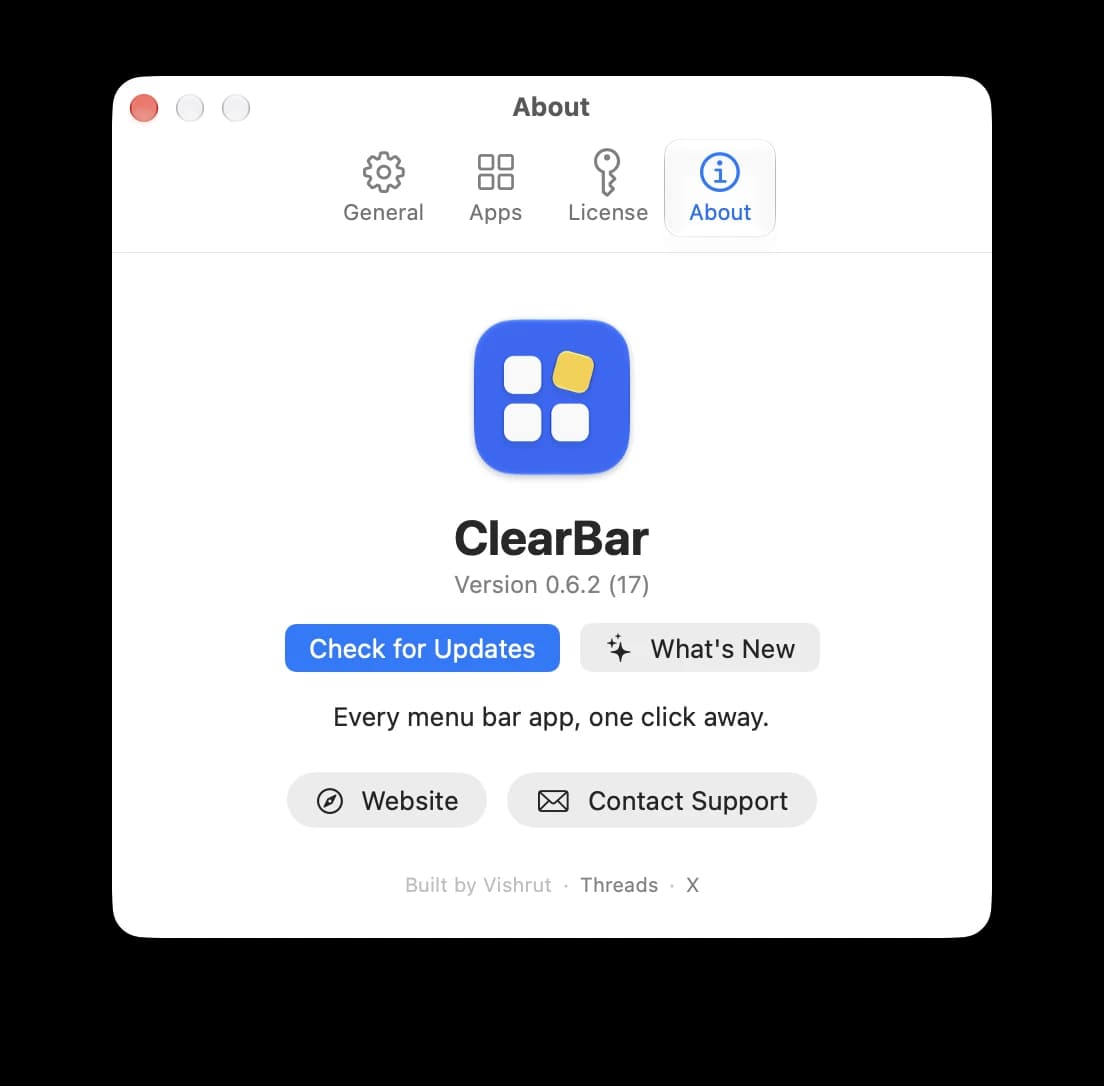
- What's New is now a button next to Check for Updates in Settings › About.
0.6.1
- A What's New link in Settings › About opens these notes at your version.
- After an update, ClearBar offers to show what's new, once.
0.6.0
- Show and hide your menu bar icons with a keyboard shortcut. Pick one in Settings with Record Shortcut.
- Apps you just opened show up in the panel within a few seconds.
0.5.0
- ClearBar speaks 7 languages: English, German, Japanese, French, Spanish, Portuguese and Korean. It follows your Mac's language.
- Check for Updates button in Settings.
0.4.0
- Every running Docker container in the panel, with its RAM and a Stop button. Works with Docker Desktop, OrbStack and Colima.
- A ✕ in the search field clears it in one click.
0.3.9
- Search field next to the Hidden header.
 Itsycal
0.3.8
- Right-clicking a tile for the first time keeps its menu open.
0.3.7
- Cleaner popover with a solid backdrop under its arrow.
0.3.6
- The panel has “In the menu bar” and “Hidden” rows. Drag an icon from one to the other to show or hide it.
 Dropover
 Slack
Slack Claude
 Mole
Mole0.3.5
- Settings › About links to the website, support and the maker.
0.3.4
- Keep an app visible in the menu bar: right-click it and choose Add to Whitelist.
0.3.3
- License activation retries when a brand-new key isn't ready yet.
0.3.2
- Signed and notarized by Apple, so ClearBar opens without a warning.
- At login on macOS 26, ClearBar waits for menu bar icons to settle before hiding them.
- The panel stays readable over light wallpapers.
0.3.1
- Runs on macOS 26 Tahoe as well as macOS 27.
0.3.0
- First public release: hide menu bar icons and keep every app in one panel, with its RAM and a one-click Quit.
- A banner tells you when a new version is out.
Before


With ClearBar
